
How to read your Israeli bank statement in English
What Zchut, Hora'at Keva, and Amla actually mean plus how to export your statement from Leumi, Hapoalim, and Max.
You finally got your online banking app set up. You log in, see your balance, and scroll down to the activity. It is a wall of Hebrew abbreviations, random fees, and charges you don't recognize. The numbers are clear, but the story they tell is completely hidden.
The tachles:
Israeli bank statements format credits and debits differently than US or UK accounts.
Bank fees are charged per individual action unless you specifically ask for a fixed monthly package.
Your credit card spending hits the bank as one single lump sum, not individual lines.
You don't need to learn financial Hebrew to understand your monthly spending.
The structure of an Israeli bank account statement explained
The format of an Israeli bank statement is straightforward once you know the vocabulary.
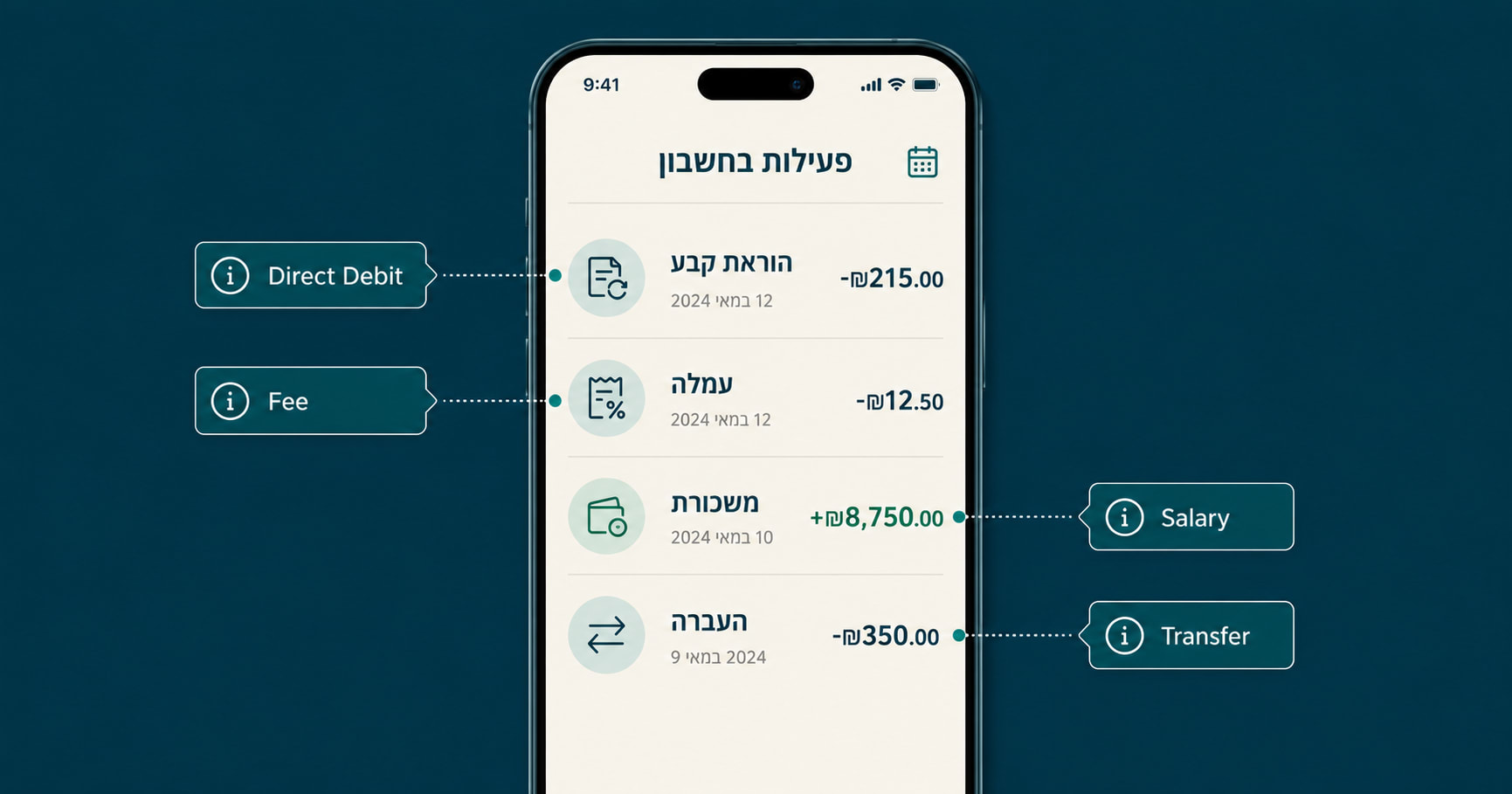
When you log into your bank, the main activity feed shows your transactions. Zchut (זכות) means credit – money coming in. Chova (חובה) means debit – money going out. Your running balance updates immediately after each transaction.
Dates use the DD/MM/YYYY format. Depending on your bank's app settings, commas and decimal points might also be swapped compared to what you are used to. A charge of one thousand and fifty shekels might appear as ₪1.050,00 instead of ₪1,050.00.
You also need to know that Israeli banks process transactions at different times of the day. A direct debit for your health insurance might clear at 2:00 AM, dropping your balance overnight without a push notification. Check your actual available balance before making a large purchase, not just your total account limit.
What do Israeli bank charges mean? Decoding the Hebrew
You don't need to be fluent in Hebrew to read your statement. You just need to recognize a few repeating patterns.
Even if you try to use Google Translate on your screen, it often fails because banks use heavy abbreviations. "ה"ק" is Hora'at Keva, and "עמ'" is Amla. Translate won't catch those.
Here is what you will see on almost every Israeli bank statement:
| Hebrew Term | Pronunciation | What it actually means |
|---|---|---|
| משכורת | Maskoret | Your salary coming in. |
| העברה | Ha'avara | A bank transfer. Often followed by a name or account number. |
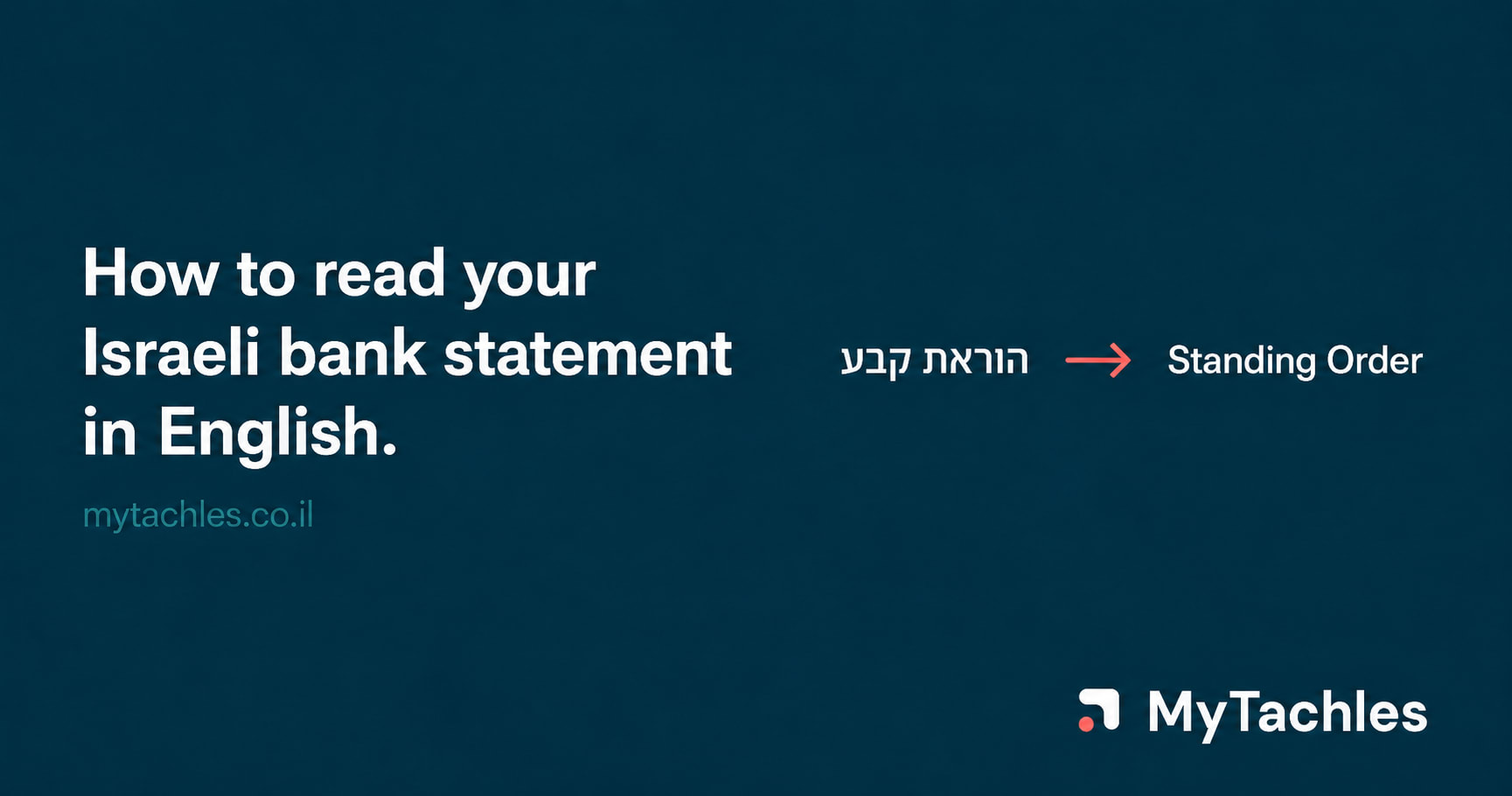
| הוראת קבע | Hora'at Keva | A direct debit. Used for fixed bills like your kupat holim, gym, or vaad bayit. |
| עמלה | Amla | A bank fee. |
| משיכת מזומן | Meshichat Mezuman | An ATM cash withdrawal. |
| צ'ק / שיק | Cheq / Shiq | A deposited or cashed check. |
| ריבית | Ribit | Interest. This could be interest earned, or interest charged if you are in the minus. |
| פיקדון | Pikkadon | A savings deposit. Money moving from checking to a locked savings track. |
| הלוואה | Halva'a | A loan. Money deposited from a bank loan, or your monthly loan payment going out. |
The tachles: If you see a charge you don't recognize, check if it says Hora'at Keva. These are automated payments you agreed to, like your monthly vaad bayit (building fee) or arnona (municipal tax) installments.
The Bank of Israel fee packages (Maslulim)
Israeli banks charge you to use your own money. If you do not intervene, the default setting is paying per action.
Every transfer you make, check you deposit, or teller you speak to carries an amla (fee). If you see multiple small charges ranging from ₪1.50 to ₪6.00 throughout the month, you are bleeding money to per-transaction fees.
You can fix this today. The Bank of Israel mandates a standardized fee package system called a Maslul (track). Every single bank must offer these, but they will not automatically sign you up for one.
There are two main tracks:
Maslul Basisi (Basic Track): The Bank of Israel caps this at a maximum of ₪10 per month. It usually includes up to 10 teller-assisted actions and up to 50 direct digital actions (like app transfers or card swipes). This is enough for most olim.
Maslul Murkhav (Expanded Track): Costs around ₪20 to ₪30 per month depending on the bank. It covers significantly more actions.
Send a message to your banker through the app and explicitly ask to be moved to the Maslul Basisi. The random ₪2.50 charges will stop.
Understanding the credit card debit vs. the bank balance
Your daily credit card spending does not show up on your bank statement.
In Israel, credit cards function like charge cards. You buy groceries on the 4th, gas on the 12th, and shoes on the 20th. None of these hit your bank account when you swipe. Instead, on your billing date (usually the 2nd, 10th, or 15th of the following month), the entire balance is deducted from your checking account in one massive hit.
This line item will usually just show the name of your credit card company -- Max, Cal, or Isracard.
This single charge includes all your daily spending, any tashlumim (interest-free installments) that are due this month, and the Mas (credit card tax) if applicable. To see exactly what made up that massive charge, you have to log into your credit card company's app or website separately.
How to download your statement as a CSV or Excel file
You can toggle the language to English on most major Israeli banking apps, but this only translates the menus. The actual merchant names, transfer details, and transaction descriptions remain in Hebrew.
To get your data out, log into your bank's desktop site rather than the mobile app -- the export option is almost always easier to find there. Look for the account activity or transaction history section, then search for an Excel icon, a download arrow, or a link that says "הורדה לאקסל" (download to Excel) or "ייצוא" (export). Every major Israeli bank -- Leumi, Hapoalim, Discount, Max, and CAL -- offers this option, though the exact location varies by bank and changes when interfaces are updated.
If you cannot find the export option, search your bank's name plus "הורדת תנועות לאקסל" in Google -- you will find their current instructions, which you can run through Google Translate for the navigation steps.
Getting your Israeli bank statement translated
Downloading the file still leaves you with a spreadsheet full of Hebrew text. mytachles takes that raw file and instantly translates the merchant names and categorizes your spending in plain English. You see exactly where your money went without manually translating a single line -- just upload your exported statement to mytachles.co.il.
FAQ
Can I get my bank statement entirely in English? No. The bank's app will translate the menus and buttons, but the actual transaction descriptions and merchant names remain in Hebrew. You have to export the data and translate it yourself or use a tool built for it.
Why did my bank charge me a random ₪15 fee? That is likely your monthly account management fee or a charge for a specific package of services (maslul). If the fee is ₪1.50 or ₪2.00, you are being charged per transaction. Contact your bank and ask to switch to a basic fee package.
What is the massive charge on the 10th of the month? That is your credit card bill clearing. Credit cards in Israel deduct your total monthly spending from your checking account all at once on a specific billing date. You have to check your credit card app to see the individual purchases.
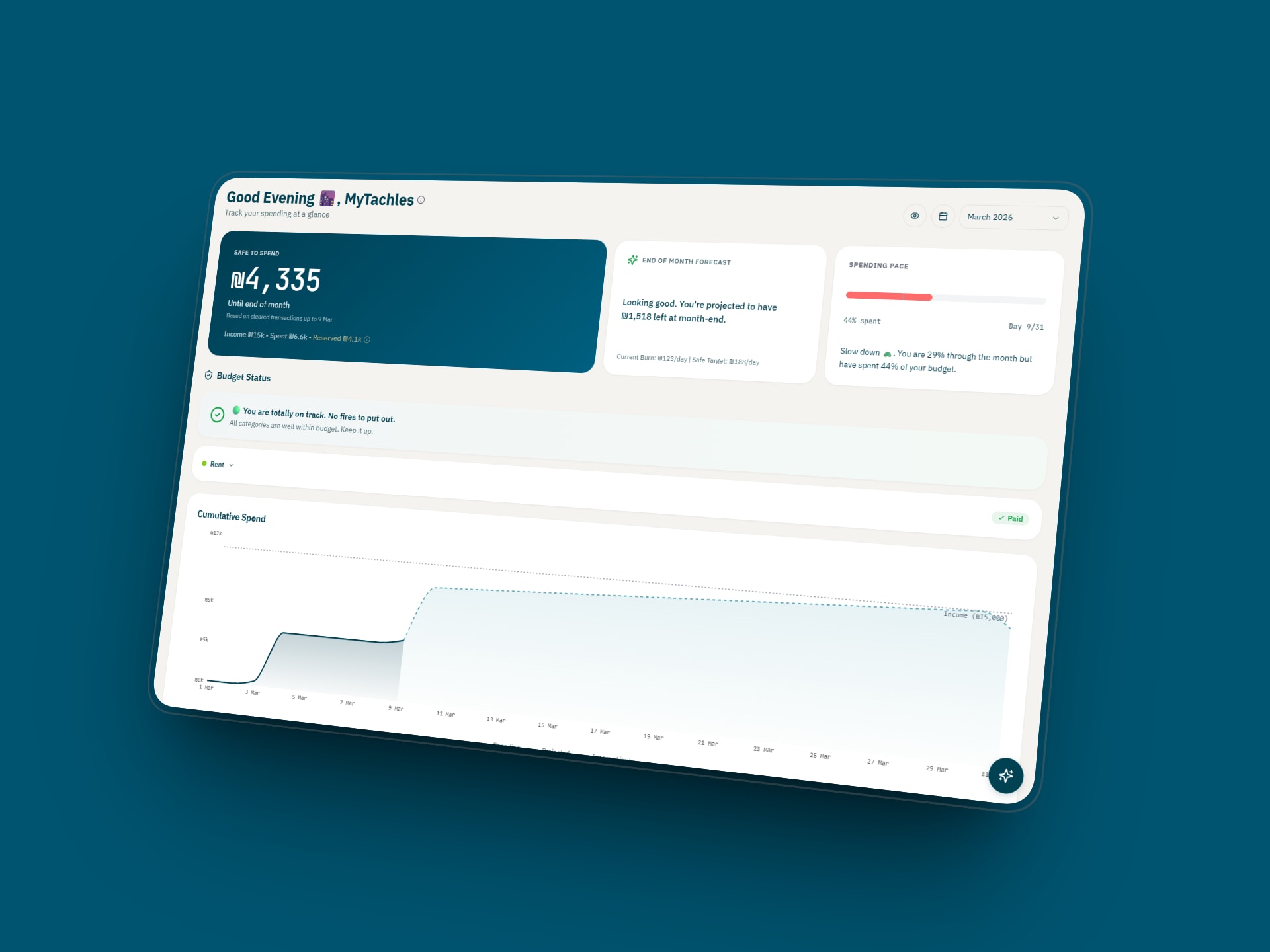
How do I find my safe-to-spend number if everything is in Hebrew? You need to know your income, subtract your paid spending, and set aside cash for your fixed bills. If you can't read the statement, exporting it to a translation tool is the easiest way to get an accurate number.
Getting your statement in English is the first step to actually understanding your financial life in Israel. Try mytachles free at mytachles.co.il – arnona, tashlumim, Hora'at Keva, all of it, translated.
Comments
Join the discussionNo comments yet. Be the first to comment.